Credisoft Technology · India
Software built around how your clinic, pharmacy, lab, or hospital works.
Credisoft builds custom software for an OPD, pharmacy, laboratory, or hospital. You describe the requirement. You are not forced to buy a module list.
- Only the screens and steps you asked for
- One company for any of the four, or only the part you need
- AI helps with drafting, finding, reminders, and summaries. It does not diagnose, prescribe, or replace the doctor.

- OPD
- Pharmacy
- Laboratory
- Hospital
- Only the parts you need
- AI inside your system
Start with a sentence
Write down how the day runs. We build the software from that.
An example requirement, in plain words
- OPD with two doctors and one front desk
- Walk-ins and booked patients on the same day’s list
- Prescription printed in the clinic’s own format
- Follow-up reminder the day before
- Pharmacy stock, beds, and insurance: not part of this build
Illustration only. Each Credisoft build is written for one place, so there is no product screen to show here.
The difference
A fixed package makes every place work the same way.
A generic system makes every clinic click through the same screens. Credisoft builds the screens, steps, and assistance around how that place already works.
| Topic | A fixed package | Credisoft build |
|---|---|---|
| Starting point | A product with a module list, chosen by the vendor. | Your day, described by you, in your words. |
| Screens | The same screens for every clinic, pharmacy, or lab. | Screens for this front desk, this counter, this bench. |
| A step you need | Waits for the next version, or is sold as an add-on. | Built as part of your requirement. |
| Parts you do not use | Still on the menu, and still on the bill. | Not built. Nothing added to fill a package. |
| Who adapts | The staff change how they work to fit the software. | The software fits how the staff already work. |
| AI | A feature button, the same for everyone. | Assistance placed on the steps you actually run, and only if you want it. |
Where we start
Three daily problems we build from
We start from the moments that slow the day down, then build the screen that handles that moment.
- A returning patient needs their last prescription in seconds.We build the lookup the way this front desk searches: by name, by phone number, or by the register they already use.
- The counter sells a batch that expires next month.We build batch and expiry views that match how this pharmacy counts stock, and warn before the shelf does.
- A lab report sits in a queue, or goes to the wrong file.We build the lab’s own queue and send each report back to the visit it belongs to.
The work
Four practices. Related, not copied.
One company can build any of them, or only the part you name.
 01 · OPD
OPD management
From the person who walks in to the follow-up after they leave. The order is this clinic’s order.
- Front desk
- Appointments
- Consultation
- Prescriptions
- Follow-up
 02 · Pharmacy
Pharmacy management
What is on the shelf, which batch expires, what the counter bills, and what gets purchased.
- Stock
- Batches
- Expiry
- Counter sale
- Purchase
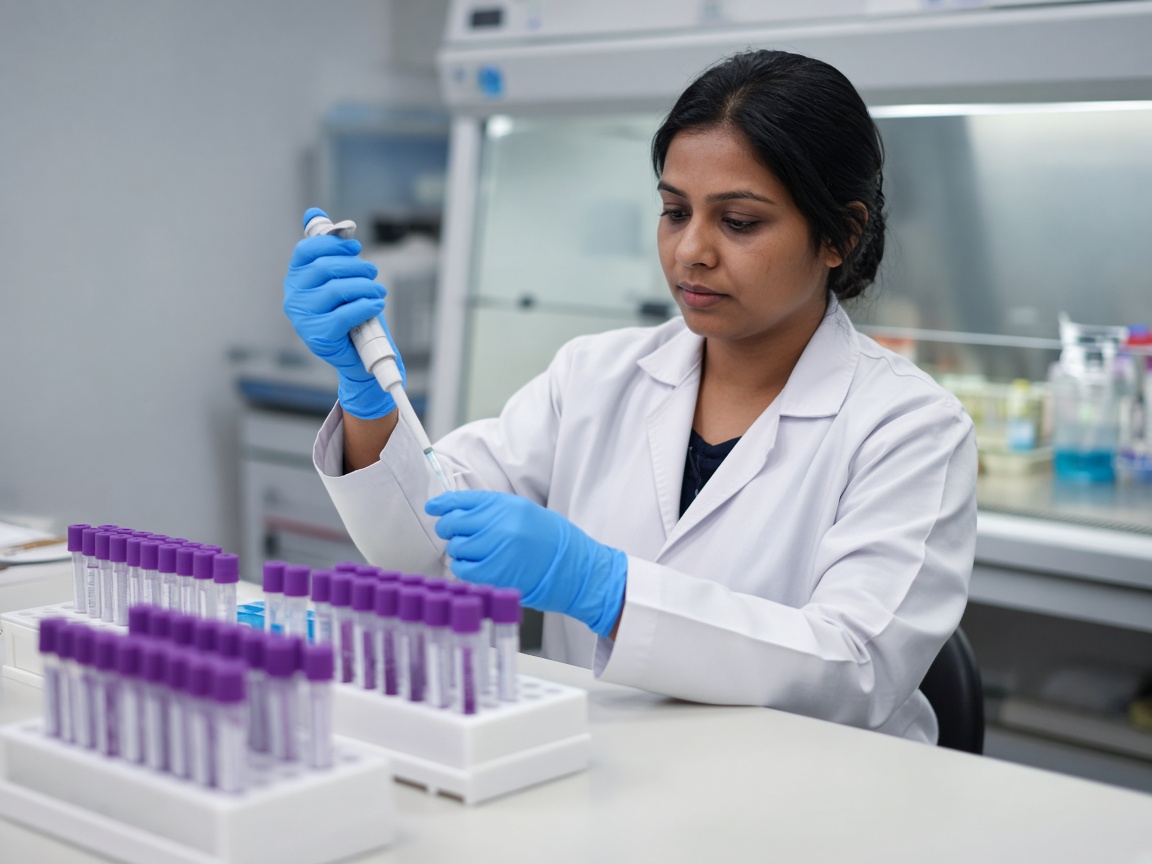 03 · Laboratory
Laboratory management
A test arrives from the doctor, waits in this lab’s queue, and goes back to the visit as a report.
- Test orders
- Lab queue
- Reports to visit
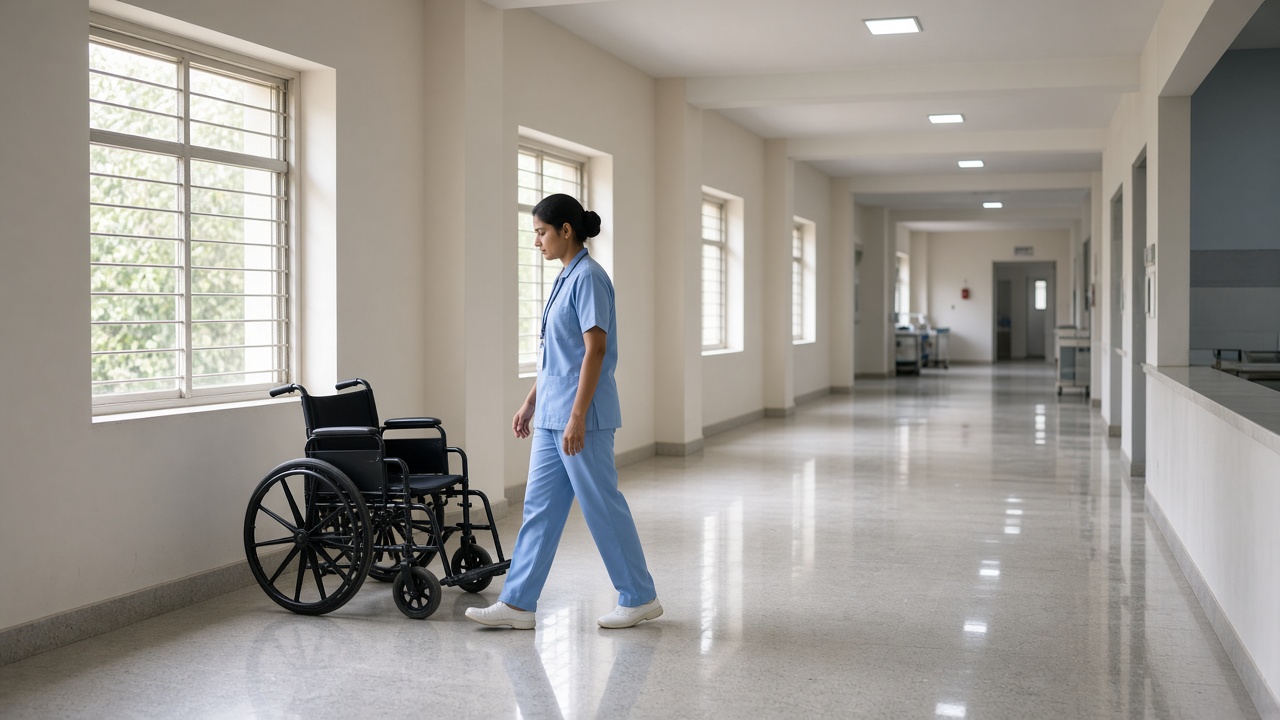 04 · Hospital
Hospital management
Operations for the way this hospital runs. Built when the hospital asks for them, not sold as a list.
- Operations you describe
- Built when you ask
How a build starts
Three steps
No package to unwrap. We learn the work, build what you asked for, and put assistance on that work.
- 01Learn how you work
We start from the day you already run, not from a module list.
- 02Build only what you asked for
Screens and steps for that requirement. Nothing added to fill a package.
- 03Put AI on that work
So staff are not fighting a generic system to get a generic answer.
Where AI fits
AI does the routine work inside your system.
Where it helps
- Drafting a visit note from what the doctor already entered
- Finding a past visit, a batch, or an earlier report
- Sending reminders for follow-ups and stock
- Summarizing a day, a shift, or a patient’s last visit
Where it stops
- It does not diagnose a patient
- It does not prescribe, or choose the medicine
- It does not replace the doctor, the pharmacist, or the person who signs a report
Questions
Before you write to us
Do I have to buy a module list?
No. You describe the work you need done. We build that. If a part is not in your requirement, it is not in your software.
Can I start with only one part?
Yes. A pharmacy counter, a lab queue, or the OPD front desk can be built first. The rest can follow later, if you ask.
Does the software diagnose, prescribe, or replace the doctor?
No. The doctor decides and writes the prescription. The software lays it out, drafts from what the doctor entered, and keeps the record. Staff still check their own work.
Do you have ready-made hospital modules for beds, OT, insurance, or ICU?
No. We do not keep a ready-made hospital product. If a hospital needs any of those, we build it when the hospital asks for it.
What does it cost?
We price each build after we learn the requirement. This site does not list a package price, because there is no package.
Contact
Tell us the place and the one step that slows it down.
A short note is enough to start. We reply with questions about your day, not a sales script.
Email [email protected]